Booking safety
Before you pay a deposit
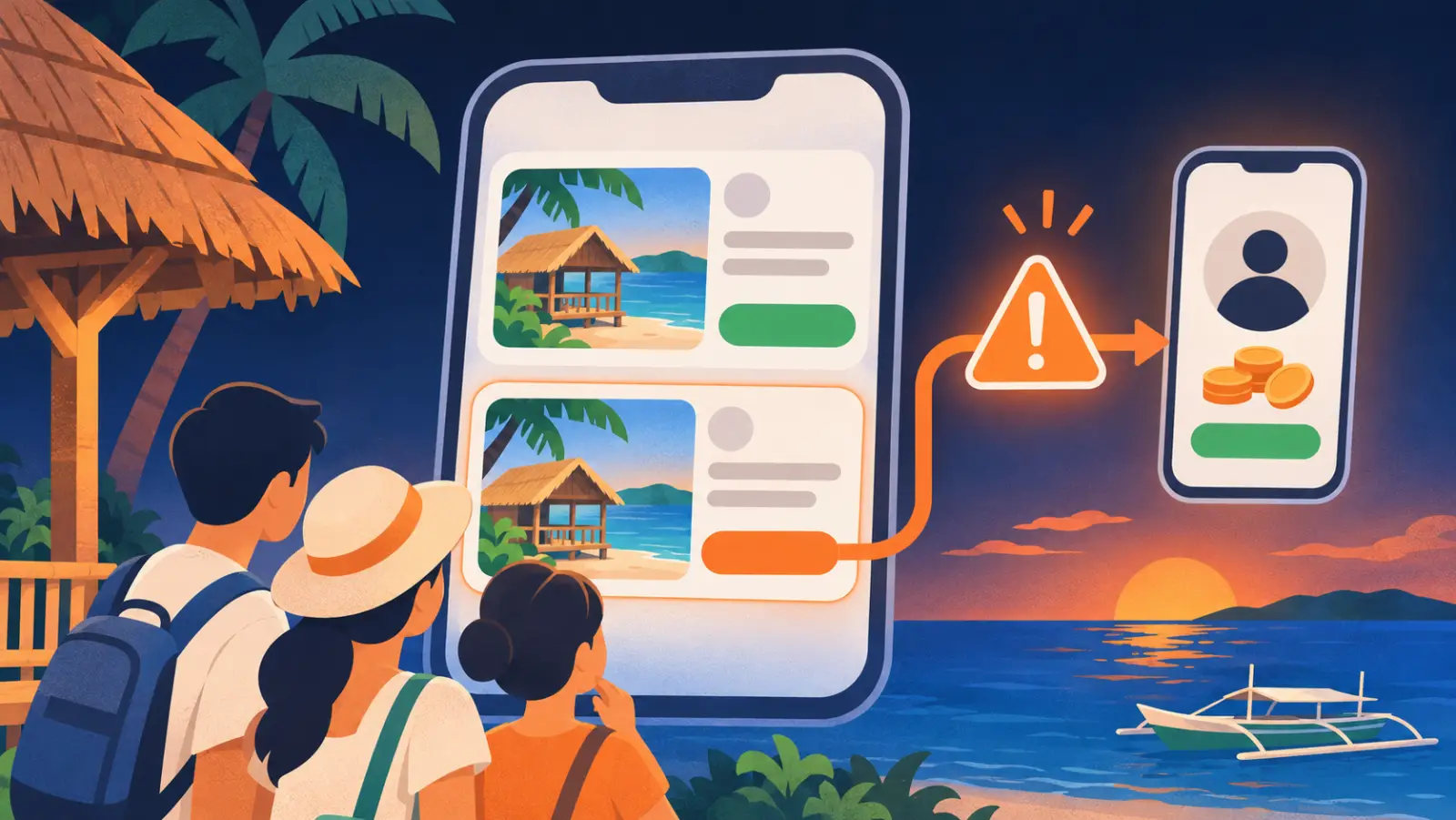
Scammers can copy a resort’s name and photos. If you pay the wrong account, the real resort may have no reservation for you.
Already sent money? Here’s how to report it ↓- Find a separate contact. Find the resort’s own website and call the number it publishes. If you can’t find an official contact, ask the local tourism office or use a booking platform you trust.
- Confirm the booking and the recipient. Ask for the dates, deposit amount and name on the receiving account.
- Use the agreed booking channel. If you booked on a platform, open it yourself and follow the payment instructions in your reservation.
Interactive guide
What should I do next?
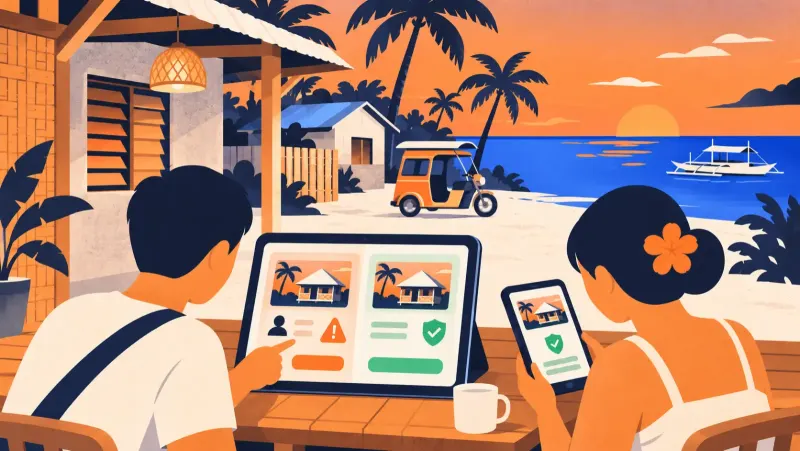
Choose the situation that matches your booking.
A Messenger page wants a GCash deposit
Pause the payment. Find the resort’s contact independently. Ask the resort to confirm the room and amount, then request an official payment channel. Avoid payments to a personal GCash or Maya wallet.
The Facebook page has a blue check
Check the booking separately. Find the exact page link on the resort’s own website. Use a published phone number to confirm your reservation and the payment details.
Someone sends a payment link for my platform booking
Open the booking app yourself. Find your reservation in your account. If the payment request is missing there or asks you to pay elsewhere, contact platform support inside the app.
Compare the warning signs
| What you see | A better sign | When to pause |
|---|---|---|
| Facebook page | The resort’s own website links to that exact page | The page is new or recently renamed, or relies on a badge or follower count as proof |
| Deposit request | The resort confirms the exact recipient through a contact you found yourself | The recipient suddenly changes or you are asked to pay a private GCash or Maya wallet or a personal bank account |
| Booking platform | The reservation and payment instructions appear inside your account | Someone sends an outside payment link |
| Room availability | The resort explains the rate and gives you time to confirm | You hear “Pay in 30 minutes” or “Our bank is down” |
On Facebook, look for Page transparency to see when the page was created and whether it has changed names. An old page or many followers can also be misleading. A verified Google Business Profile tells you who can manage that listing; it doesn’t confirm the booking or payment details sent in chat.
Check a resort with the tourism office
For Santa Fe, use the municipality’s registered accommodation list. For Bantayan town or Madridejos, ask that municipality’s tourism office. To check DOT accreditation, contact DOT Region VII at 0961 837 4237 (Viber, weekdays 8 AM – 6 PM). Registration or accreditation can confirm the business exists; you still need to check who is asking you to pay.
Already paid?
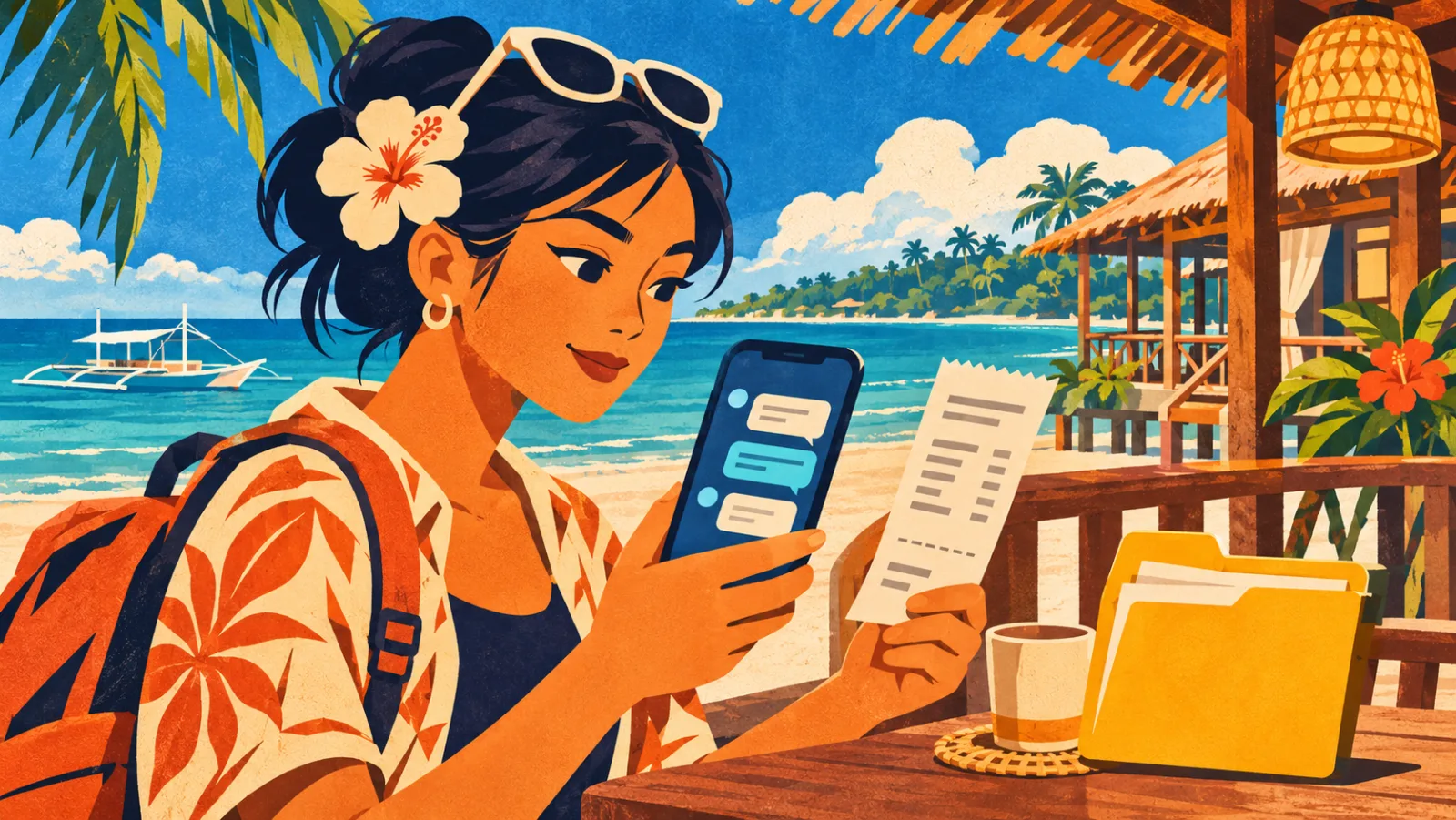
- Save the evidence. Keep the page URL, screenshots of the chat, the recipient details and the transaction reference.
- Contact your payment provider through its official channel. For GCash, see Report a scam. Ask what can still be done. Recovery is not guaranteed.
- Report the page and the incident. Use Facebook’s report option on the page. In the Philippines, report the scam to 1326 (CICC, free) · [email protected]. You can also file a report with the Philippine National Police or the National Bureau of Investigation. See the Philippine Information Agency’s reporting guide.
For resort owners
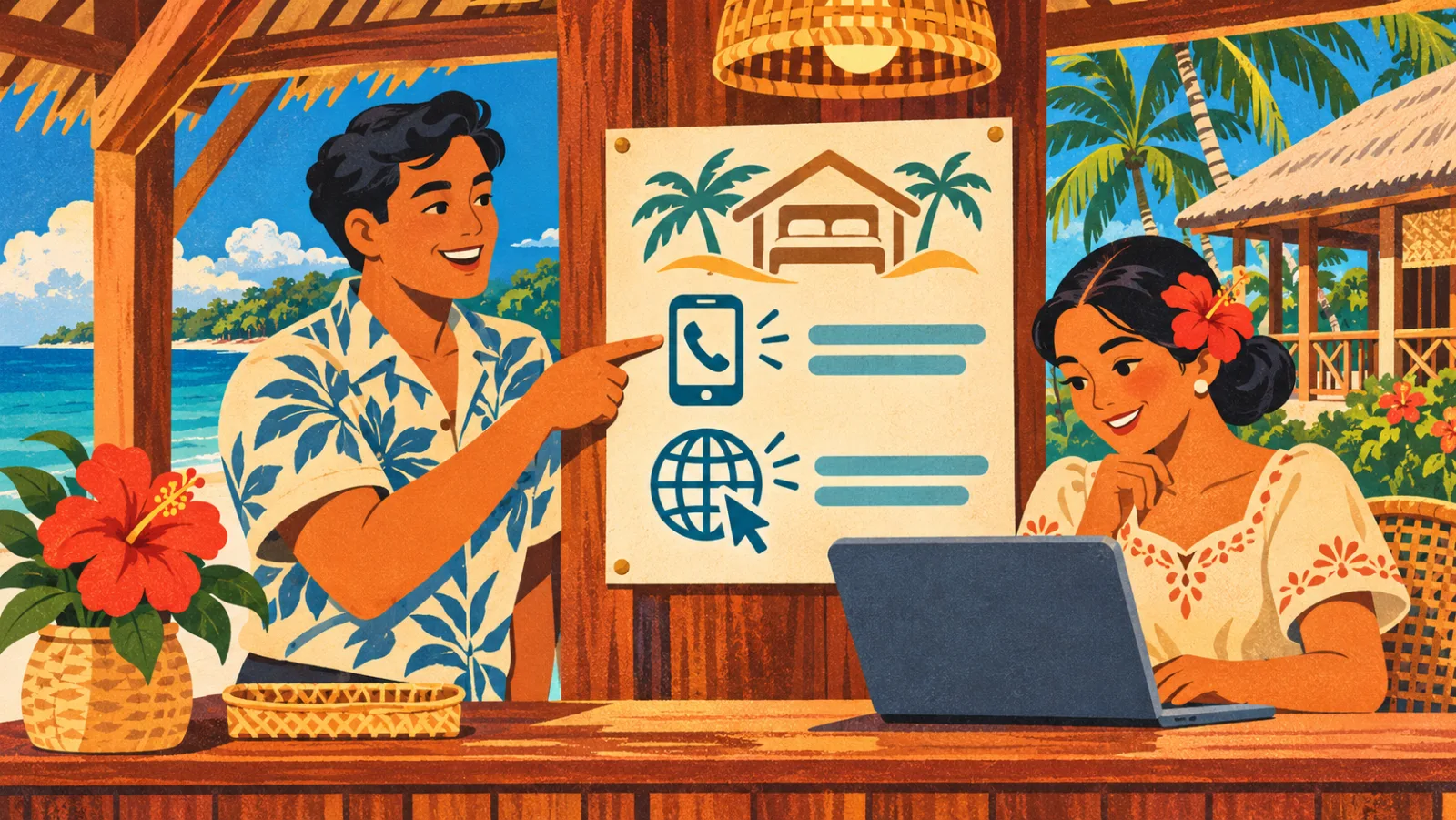
- Give guests one reliable starting point. On your own website, publish the exact Facebook page URL, official phone number, booking links and how guests can confirm a deposit. Pin the same instructions on Facebook.
- Make payment changes easy to verify. Tell guests how to check the recipient by calling your published number. For platform bookings, ask guests to keep the booking and payment inside the platform.
- Prepare for copycats. Save the URLs and screenshots of impersonating pages and report them to Facebook. Publish a brief warning and link to your official booking channels.
What does the blue check mean?
Meta Verified for businesses offers a badge, account support and monitoring for impersonation. The badge refers to the account. It does not confirm a room reservation, approve a payment recipient or guarantee that a copycat page will be removed. Check eligibility and the current price in your own Meta account.
What happened on Bantayan Island?
In February 2026, Daily Tribune, citing the island’s hotels and resorts association, reported that more than 200 people had reported losses since September 2025. The association put those losses at an estimated ₱500,000 in total at the time. This was a February 2026 estimate, not a current total.
SunStar reported that copycat pages used real resort photos, accumulated thousands of likes and could charge normal room rates. One tactic was to claim the bank was down and ask for payment to a personal wallet instead. GMA reported that guests found out on arrival that their reservation was missing and that resort owners sought help from the police and NBI.
News coverage
Reports from news outlets on YouTube.
Videos play from YouTube (privacy-enhanced mode) only after you tap.